Interactive Area
The interactive area dashlet enables the structured display of buttons.
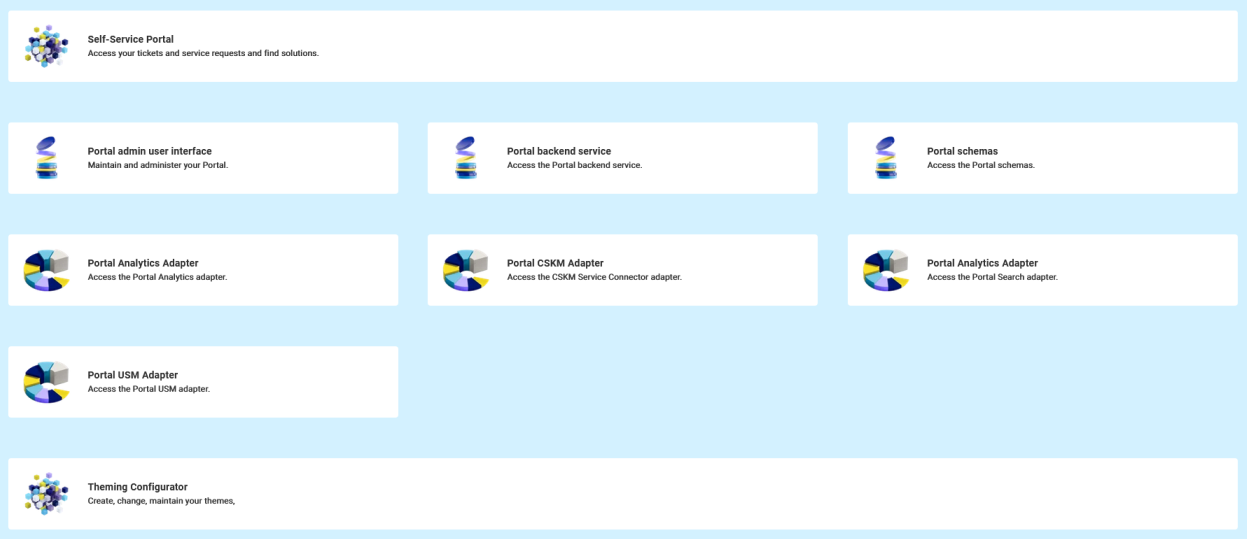
In addition to the general attributes, you have the following configuration options:
Title
Language/Translation | Select the language and the corresponding translation of the Interactive Area. You can add several language versions. Confirm your entry with To remove a language version, click on |


Description
Language/Translation | Select the language and the corresponding translation of the Interactive Area description. You can add several language versions. Confirm your entry with To remove a language version, click on |
Embedded
Image | Select an embedded image via the dropdown menu. This image is shown alongside the area title. You can add embedded images via Toolkit > Images in the Embedded tab. |
Icon | Select an icon via the dropdown menu. This image is shown alongside the area title. |
Styles
Container styles
Background color | Choose a background color using the color picker or define the color as HEX. NoteThe background color will be overwritten when you use a gradient. |
Use gradient | Enable or disable the color gradient using the toggle. If you enable gradient, you have to define the following attributes:
|
Title and Description styles
Font size | Define the font size of the title/description. |
Text alignment |
|
Color | Choose a background color using the color picker or define the color as HEX. |