Actions Group
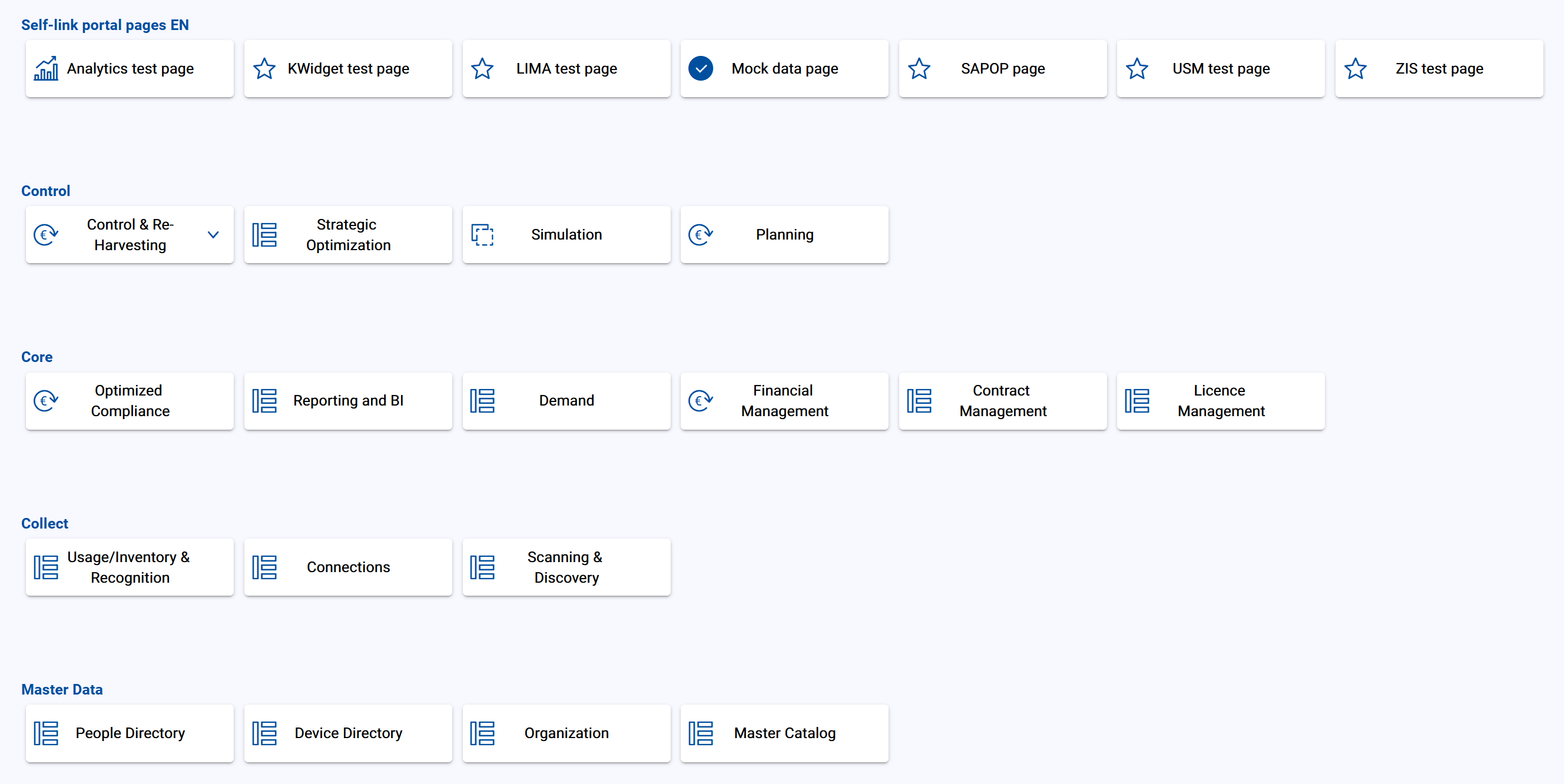
The action group dashlet enables the structured display of links. In this structure you can define single links or link lists. Link list are indicated by an arrow down icon.
In addition to the general attributes, you have the following configuration options:
Title Language/Translation | Select the language and the corresponding translation of the action group title. Confirm your entry with |
Button Width | Define the width of the button in px. |
Categories
In this section, existing categories are displayed as a list.
You have the following options available:
Rearrange the categories via drag and drop. |
Opens the edit menu for the categories. |
Deletes the categories. |



To add a category, click on  Add. You have the following options:
Title Language/Translation | Select the language and the corresponding translation of the category title. You can add several language versions. Confirm your entry with To remove a language version, click on |
Icon | Select a icon. This icon will be shown in front of the label. |
Type
Depending on the selected type you have to define additional attributes.
Drawer:Object ID
Add the Object ID
Drawer width
Define the width of the drawer.
Page ID:Page ID
Select the portal page using the drop down menu.
New tab: This opens a defined target link in a new tab.Scriptproduces a runlink to USU Service Management or USU Shop.Notice
For a runlink it is also possible to use interpolation strings. For example
${[item].[details].[guid]}as part of a Shop runlink.Current Tab: This opens the defined target link in the current tab.Action: Used to to address an adapter, for example to trigger the call of a web service.
For Script, New tab, Current tab and Action you have the following attributes available:
Target | Add the target URL/path of the resource and define the request method. |
Method |
|
Body Params/Body Edtior | NoticeThe field is only available when the target method
|
To save your configuration click on Apply or Cancel the process.