Pie
The pie chart dashlet displays the data as pie chart from the source system. It can also be linked.
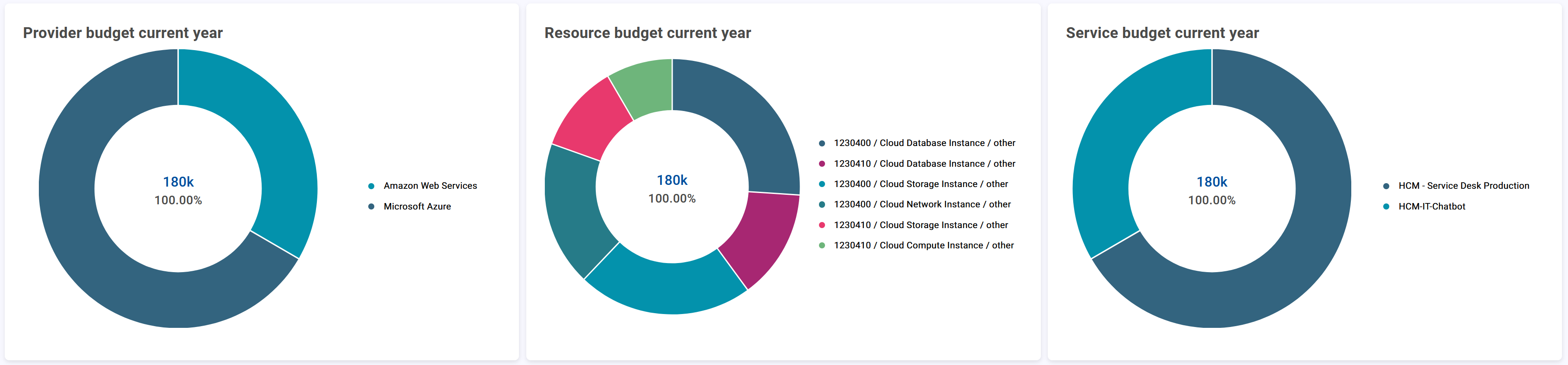
In addition to the general attributes, you have the following configuration options:
Resource
Target | Add the target URL/path of the resource and define the request method:
|
Body Params/Body Edtior | NoticeThe field is only available when the target method
|


Configuration
Pie size percentage | Defines the size of the pies. |
Unit Language/Translation | Select the language and the corresponding translation of the unit. Confirm your entry with |
Footer Language/Translation | Select the language and the corresponding translation of the footer label. Confirm your entry with |
Footer Color | Define the font color of the footer using the color picker. |
Legend position | Defines the position of the pie chart legend
|