Toolbar
USU toolbar is a core component of the Self-Service Portal window. Unlike the Welcome Page, the toolbar and navigation menu are not tied to any specific page. These elements are fundamental to the Portal interface and are always accessible.
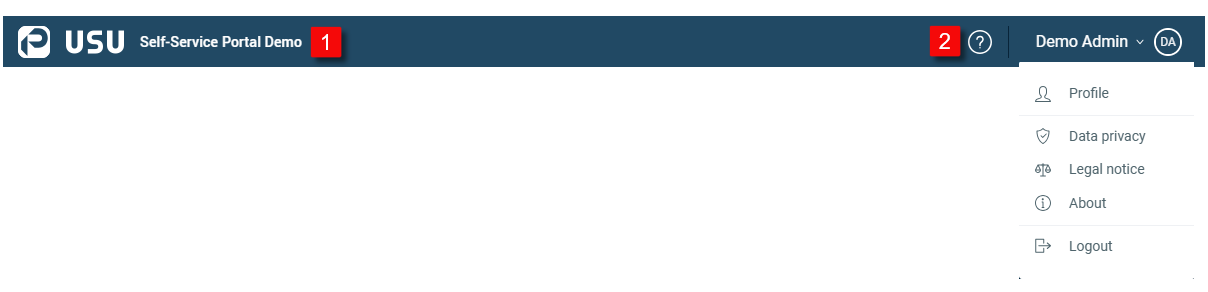
| USU logo.
|
| Help icon and User profile.
|


The User Profile Menu contains the following items:
Profile | Opens a new browser tab to the USU User Management application, where you can:
Note that the profile link is available only if it has not been deactivated by your Portal Administrator. |
Data privacy | Open a new browser tab with Data Protection and Privacy Policy of USU Service Management. |
Legal notice | Open a new browser tab with Legal Notice. |
About | Opens a dialog box displaying application details such as the product name, version, and build. |
Logout | Logs you out of the Self-Service Portal. |