Introduction
provides easy access to all enterprise services for both employees and managers. It helps users resolve various issues and offers managers a comprehensive overview of different business data.
The Self-Service Portal also serves as an entry point to other products of the USU Software group. It functions as a unified front end for easy access to multiple source systems which can bundle information based on specific use cases.
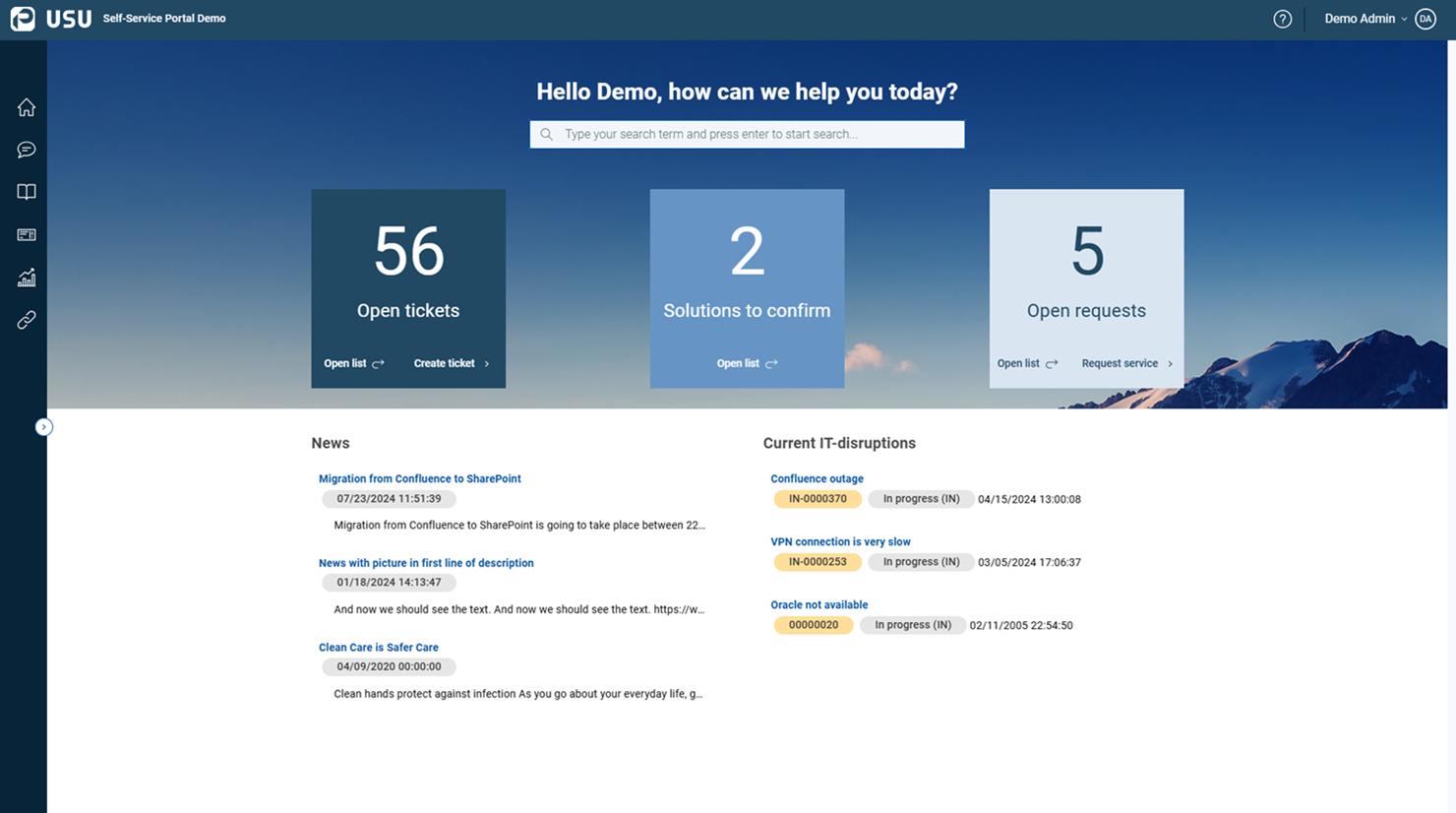
Manual overview
This manual consists of the following sections:
An overview of the main purpose of the Self-Service Portal and its key features.
Details on the essentials and architecture of the Self-Service Portal.
A summary of basic terminology and an explanation of target groups.
Main elements of the Welcome Page
An introduction to GUI elements and basic operations.
Working with the Self-Service Portal
Guidance on various tasks performed by users and managers.
Note
You can always return to the Welcome Page by clicking the USU logo in the toolbar.
Writing conventions
The following formatting conventions are used:
Words in font
Names of actions, parameters and attributes; GUI buttons and keyboard keys.
Names of editors and catalogs; windows and dialog windows; window sections; menus, widgets.
Product and company names, important words which need to stand out.
Words in font
Parameter values, attribute values, statuses.
Words in
code-likeformatCode examples.
Content disclaimer
Please note that all examples and screenshots shown here are for illustrative purposes only. The actual product may vary due to the individual product customization.
Version
Version info: Application v3.7.0 / Help v3.7.0