Searching for the current IT disruption
To search for the current IT disruption:
Start typing your search term and immediately see search results below in the search result window.
Scroll down to the News & Current IT Disruptions category.
Here you can find if the search term matches the desired disruption.
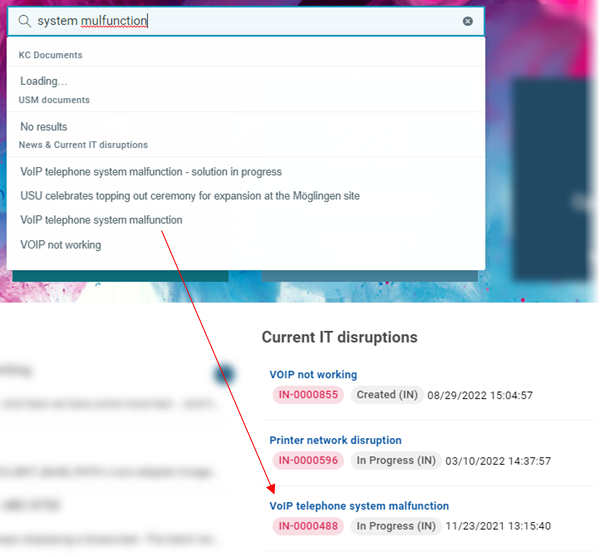
Click the selected disruption.
A drawer with the current IT disruption details opens on the right.