Searching for the news
To search for the news:
Start typing your search term and immediately see search results below in the search result window.
Scroll down to the News & Current IT Disruptions category.
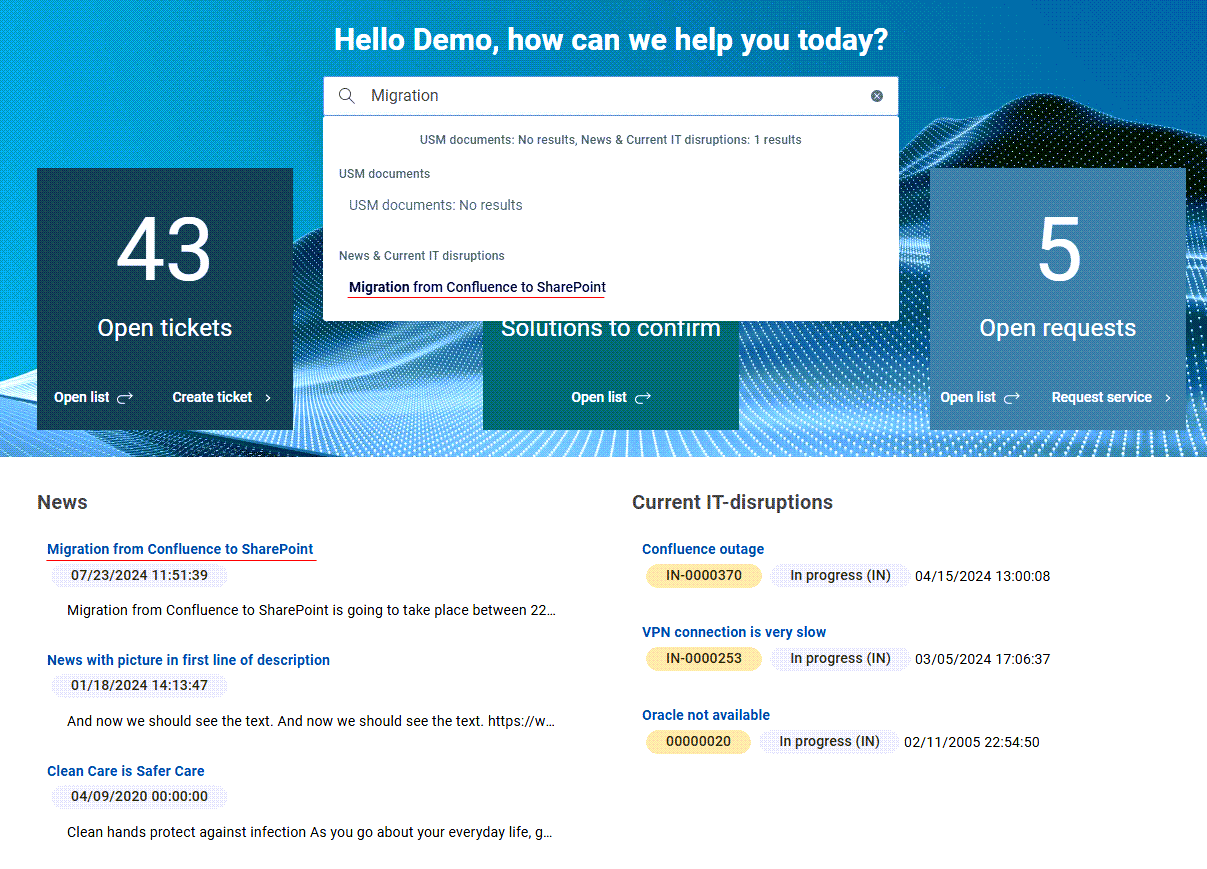
Here you can find if the search term matches some news and current IT disruptions.
Note that the news found under this category matches the news in the News dashlet.
Click the selected news.
A drawer with the news details opens on the right.