Accessing the knowledge center content
With KC integration, you can access a customizable item list displaying Knowledge Center content.
Key features include:
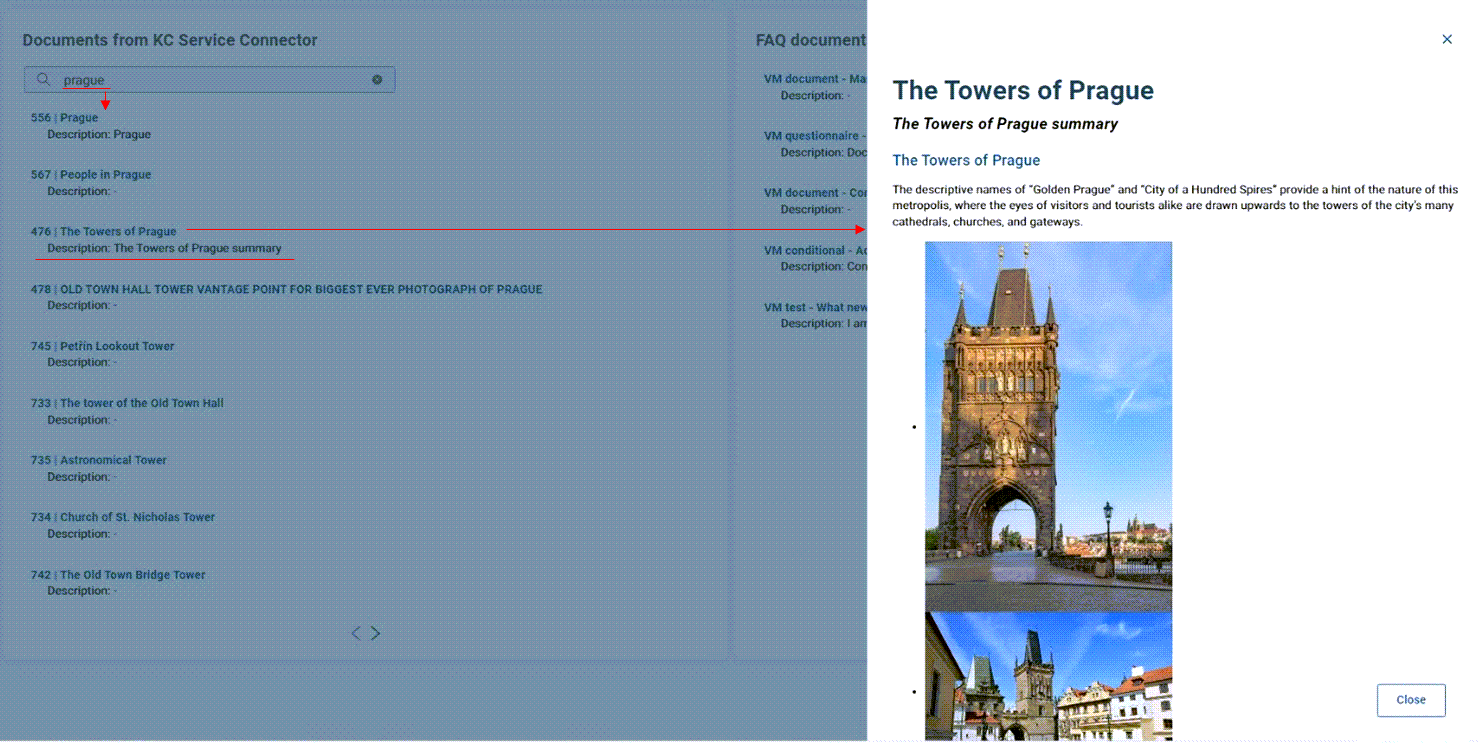
Search functionality - you can search for relevant KC articles directly from the list.
Quick access - clicking an article opens it in a drawer for immediate viewing.
To access the Knowledge Center content:
Navigate to the KC Documents dashlet.
A customizable item list displaying KC content opens.
Enter a keyword in the search bar to find a specific document
or
Click directly on the desired document in the list.
The documents opens in the drawer on the right-hand side.
Depending on the content type, you can:
Click Create ticket to create a new ticket based on the document.
Work directly with dynamic documents.
Click Close to exit the document.