Dialogs leading to the self-help action
Example of using the Chatbot with a keyword to start a self-help action:
Click the to start the Chatbot.
Type in a keyword or a sentence describing your problem.
Press Enter.
The Chatbot maps the keywords and starts the correct dialog automatically.
The conversation goes on and the Chatbot offers you to execute a specific action at some point.
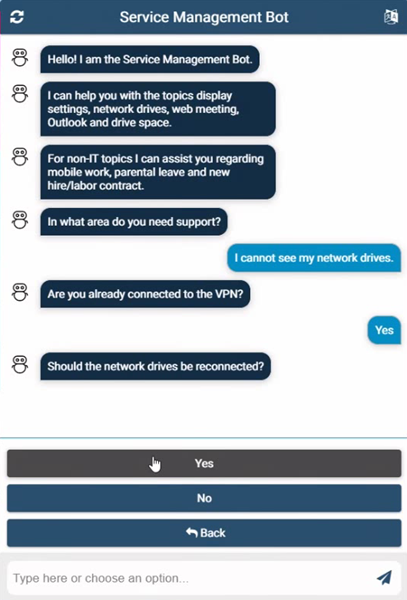
Click .
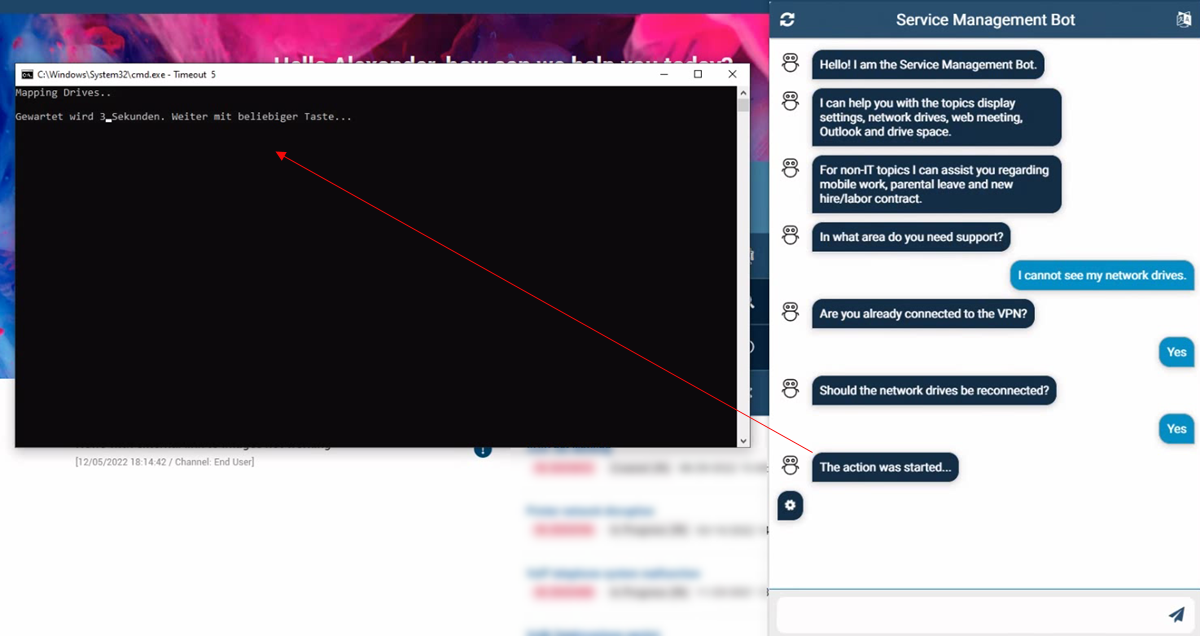
The Chatbot launches the appropriate browser extension and starts the right system service automatically.